Replacing Canon inkjet cartridges can be expensive. If you have a color printer, the cost of ink may increase rapidly. Most Canon cartridges can be refilled, and you can save money by replacing the ink yourself. Canon cartridge filling can be accomplished by acquiring the ink supplement kit so that you can refill the cartridge at home.
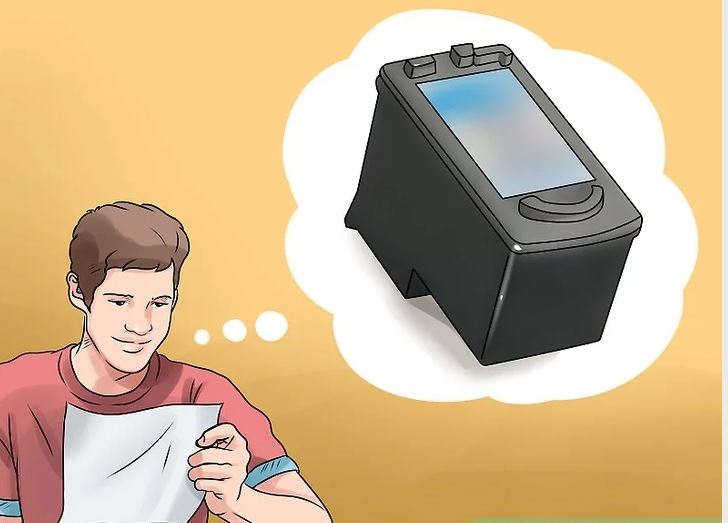
Check your Ink Cartridge
1 Make sure the cartridge is empty.
Many Canon inkjet cartridges have an electronic device that counts down every printed character.
When the counter reaches 0, your printer will receive an error message.

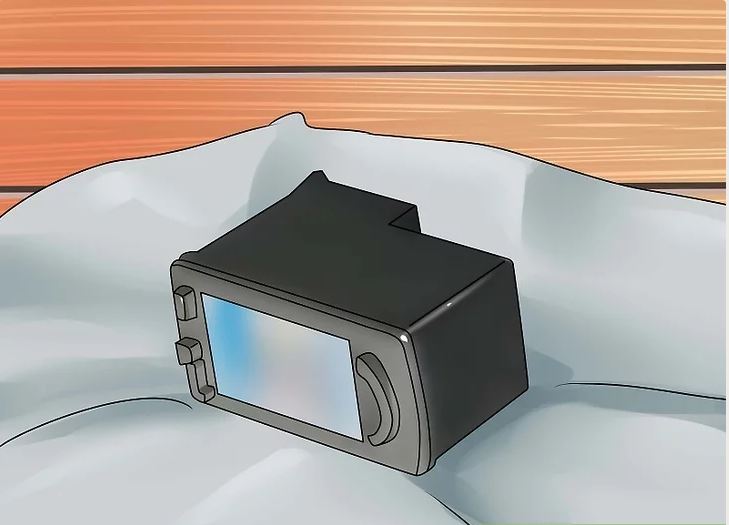
2 Remove Canon inkjet cartridge according to manufacturer's instructions.
3 Check if the ink cartridge is empty.
If there is still ink in the cartridge, please reinstall the cartridge. When you receive other error messages, press the "OK" button to continue printing.

4 If the cartridge is empty, please refill Canon cartridge.

Refill your Ink Cartridge
1 Get ink supplement kits in office supplies stores or online. To refill the cartridge, you need a 30ml syringe with a needle, thumb drill and printer ink.

2 Put ink cartridges on newspapers or paper towels. There may be ink leakage when Canon cartridge is refilled.
3 Choose ink. For example, if you want to refill a yellow cartridge, you need yellow ink.

4 Put the needle on the yellow ink container.

Replace Ink
1 Find the hole where the ink comes from. This will be in the sponge area of the cartridge.
2 Squeeze a few drops of the correct color ink into the hole and fill the sponge with a sponge.

3 While filling Canon cartridge, tape the outlet hole to prevent ink leakage.

4 Drill a small hole in the cartridge with a thumb bit under the cartridge label.
Look for the letters that represent the color of the ink on the cartridge. Under the cartridge is a circle with pits.
When refilling cartridges, holes need to be drilled in the middle of the pit.

5 Put the needle into the hole you made in the cartridge and carefully push the ink in. When refilling Canon cartridge, please observe cartridge to avoid overfilling cartridge.

6 Remove the needle from the cartridge, remove it from the container, and put the top back into the ink so that it does not overflow.

7 When you are finished filling Canon cartridge to prevent leakage, use glue, hot wax or electric tape to seal the hole.
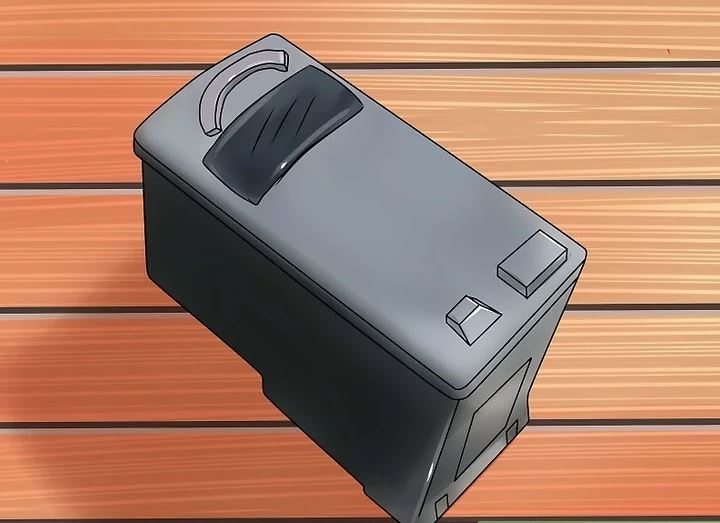
8 Take the tape off the sponge area.

Reinstallation of inkjet cartridges
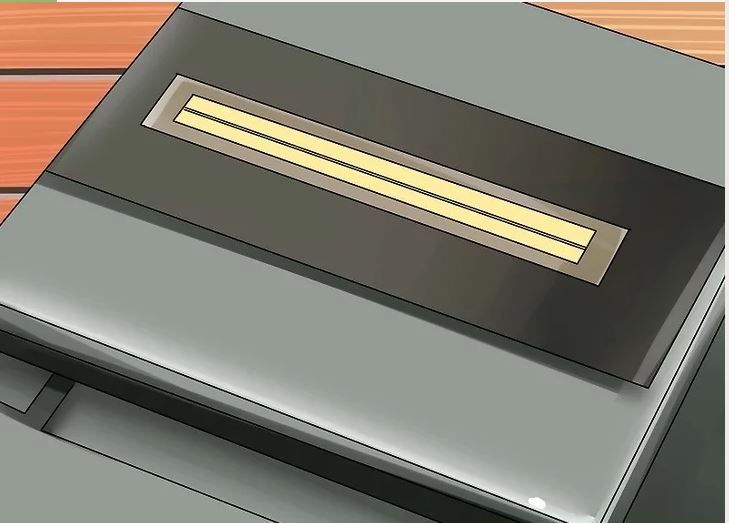
1 Install cartridges and select maintenance on printers.

2 When refilling the cartridge, please run the printer to complete the cleaning cycle.
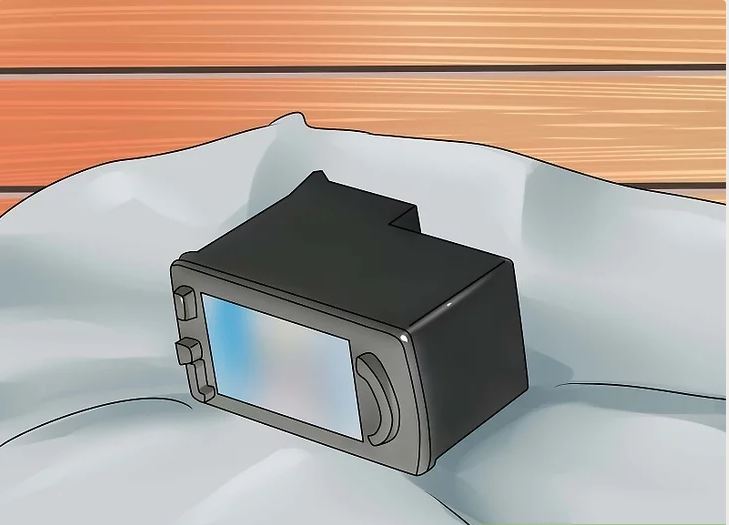
3 Let the refilled cartridge be placed in the printer for about 8 hours so that the sponge can absorb all the new ink.

Editor’s Note: This post was Published by Proffisy on 4th Feb,2018